

AI video ads work. When you pair platform-aware templates with structured variation testing, they consistently outperform static images and generic video on click-through rate. The immediate next step: generate a seed ad, then produce 10–20 variations focused on different hooks and CTAs, and run a rapid A/B test before scaling spend.
Before you launch anything, run through this checklist:
- Target: confirm audience segment and platform placement
- Hook: write 5–10 distinct opening lines or visuals (the hook is where most tests are won or lost)
- CTA: decide on one clear action per ad, matched to funnel stage
- Platform format: select the correct aspect ratio, duration, and safe-zone spec for each channel
Pro Tip: Don't test one ad against another. Test hooks against hooks. Generating 10–20 hook variants from a single seed creative gives you statistically meaningful signal far faster than tweaking copy or color.
Key Takeaways
AI video ads produce measurable performance gains when paired with structured variation testing and platform-aware formatting, making the workflow from brief to live asset faster and more scalable than traditional production.
| Point | Details |
|---|---|
| AI ads work when tested | MIT-cited research on ~21,000 consumers found personalized AI video outperformed static images and generic video on CTR. |
| Prioritize hook variation | Generate 10–20 variants focused on different hooks and CTAs, not minor copy tweaks, for meaningful A/B signal. |
| Format for every platform | Auto-formatting handles aspect ratios, safe zones, and captions, but always validate outputs on-device before launch. |
| Verify legal and moderation | Check model training licenses, likeness rights, FTC disclosure rules, and platform policies before running any AI creative. |
| Picturaai for API-first scale | Picturaai's free beta, REST API, and built-in moderation let teams generate and screen bulk variations without upfront cost. |
Table of Contents
- What do modern AI video ad platforms actually do?
- How do you create AI video ads from brief to live asset?
- What platform specs does AI formatting handle automatically?
- Do AI-generated video ads actually perform better?
- How much do AI video ads cost?
- How do you choose the right AI video ad platform?
- How do you push AI ads live and measure results?
- What legal and compliance rules apply to AI video ads in the U.S.?
- Why Picturaai works well for brand-safe, scalable AI video creative
- What should a performance marketer actually expect in the first quarter?
- Picturaai gives you a faster path to testable AI video creatives
- Sources
What do modern AI video ad platforms actually do?
The feature gap between platforms is wider than most buyers expect. Before you commit to any tool, map its capabilities against this checklist.
Core creative features:
- Templates for common ad formats (product demos, testimonials, brand awareness)
- URL-to-video or product-page asset import (scrapes images, copy, and pricing automatically)
- Text-to-video generation from a brief or script
- Talking avatars and synthetic spokesperson options
- Image-to-video for animating static product shots
- Automatic aspect-ratio conversion and safe-zone handling across platforms
- Auto-generated captions and subtitle burns
- Native audio generation or music licensing integration
- Export in MP4, MOV, and WebM
Developer and production features:
- REST API and SDKs for programmatic generation
- Bulk generation and variation APIs for high-volume creative production
- Built-in content moderation and brand-safety filters
- Watermarking and brand-control overlays
- Adaptive style routing to match brand guidelines across outputs
Performance and ops features:
- Built-in A/B variation generators
- Multi-platform packaging (one source asset, multiple format outputs)
- Analytics hooks and direct ad-platform export connectors
Trust signals worth verifying:
- Published case studies with concrete metrics (ads created, ad spend influenced)
- Free trial or demo access before any contract
- Public API documentation
- Documented moderation record and content-safety policies
- Enterprise security certifications for teams handling sensitive brand assets
Gartner research consistently flags AI-driven personalization as a top investment priority for marketing leaders, which explains why the feature arms race in this category has accelerated sharply.
How do you create AI video ads from brief to live asset?
The core workflow is four steps: seed asset in, variations out, format for each platform, test and iterate.
Step-by-step:
- Asset ingestion: paste a product URL, upload images, or import a CSV of product data. The platform scrapes copy, pricing, and visuals automatically.
- Script and hook generation: the AI drafts multiple opening lines and scene descriptions from your brief or product page.
- Scene and storyboard generation: the system assembles visual sequences, selects stock or AI-generated footage, and places your assets.
- Visual synthesis or avatar selection: choose between fully generated visuals, animated product shots, or a synthetic spokesperson.
- Auto-formatting: the platform outputs the same creative in 9:16, 1:1, 16:9, and 4:5 simultaneously.
- Captions and localization: auto-generated subtitles are burned in, and copy can be translated for multi-market campaigns.
- Export and upload: push directly to Meta Ads Manager, TikTok Ads, or Google Ads, or download for manual upload.
Human review still matters at three points: brand voice on the script, any sensitive product claims or legal disclosures, and the final-frame CTA. The AI handles volume; you handle judgment.
Generate 10–20 variations and focus variation on the hook, not on minor copy tweaks. Changing a headline word rarely moves the needle. Changing the opening visual or the first three seconds of audio often does.
Pro Tip: Structure your variations explicitly: hook A vs. hook B, opening visual A vs. B, CTA placement top vs. bottom. Feed those as named variants into your ad-testing pipeline so reporting maps cleanly to creative decisions.
What platform specs does AI formatting handle automatically?
Manual re-editing for every platform used to eat hours. A well-built AI ad platform eliminates most of that work by handling specs automatically.
Platform specs to expect your tool to cover:
- TikTok: 9:16, up to 60 seconds (15–30 seconds recommended), captions required for sound-off viewing, safe zone 150px top and bottom
- Instagram Reels: 9:16, up to 90 seconds, safe zone 250px top and bottom
- Instagram Feed / Facebook Feed: 1:1 or 4:5, 15–30 seconds optimal, safe zones on all sides for UI overlay
- YouTube pre-roll: 16:9, 15–30 seconds for skippable, 6 seconds for bumper ads
- YouTube Shorts: 9:16, up to 60 seconds
Automatic formatting works by re-framing the source composition, applying safe-zone masks so text and CTAs stay visible, trimming duration to platform limits, and burning in timed captions. The output is a platform-specific file, not a cropped version of the original.
Where automation can fail: complex motion sequences where the subject moves out of the re-framed crop, tight product close-ups that need manual composition decisions, and any frame where a legal disclosure must remain fully legible. Always validate auto-formatted outputs before launch.

MIT accessibility guidance recommends captions, readable on-screen text, and audio descriptions for inclusive media. For ads, that means captions should be on by default, not optional.
Pro Tip: Preview every platform format on an actual device or in a device-frame simulator before launch. A safe zone that looks fine on a desktop preview can obscure a CTA behind a platform's UI on mobile.
Do AI-generated video ads actually perform better?
Yes, with an important qualifier: performance gains are real but depend on proper testing and audience match.
An MIT-summarized study on personalized AI video ads found that personalized AI video outperformed static image ads and generic video on click-through rate in a sample of roughly 21,000 consumers. That is a meaningful signal, though the effect size and durability vary by category, audience, and creative quality.
Statistic to anchor your expectations: In the MIT-cited research, personalized AI video ads produced higher CTR than both static images and generic video in a ~21,000-consumer sample. Treat this as directional evidence, not a guaranteed lift figure for your category.
For your own testing, prioritize these KPIs in order:
- CTR (click-through rate): the fastest signal on hook and creative quality
- View-through rate: measures whether the ad holds attention past the first three seconds
- Conversion rate: the real business metric, requires longer test windows
- Cost per acquisition (CPA): the ultimate efficiency measure
PLOS ONE peer-reviewed research on consumer responses to digital ad formats reinforces that format and personalization both affect engagement, but that study design matters enormously for interpreting results. Two real risks: novelty effects (a new format gets clicks because it's unfamiliar, not because it converts) and audience fatigue (the same AI-generated style loses effectiveness after repeated exposure).
INFORMS marketing-science literature provides the experimental-design framework for avoiding those errors: use holdout audiences, set minimum sample sizes before reading results, and run tests long enough to capture purchase cycles, not just clicks.
Pro Tip: Measure incrementality with a holdout group, not just platform-reported conversions. Rotate new creative variations every two to three weeks to prevent performance decay from audience fatigue.
How much do AI video ads cost?
Pricing varies more than most buyers expect. The model you choose affects both your upfront cost and how costs scale with volume.
Common pricing structures:
- Free trial or freemium tier: limited generations, watermarked outputs, or time-restricted access
- Per-video credits: pay per generated asset, typically tiered by resolution or duration
- Per-minute generation: billed on compute time, common in API-first platforms
- Monthly subscription: flat fee for a generation quota, common for marketing teams
- Enterprise API pricing: custom contracts based on volume, SLAs, and dedicated infrastructure
Budgeting for a meaningful test:
Small teams running a first AI video ad test should budget for both software and ad spend. Software costs for a meaningful batch of variations (10–20 assets) typically run from free to a few hundred dollars depending on platform and resolution. Ad spend for a statistically valid A/B test depends on your CPA target, but most practitioners recommend enough budget to reach at least 50–100 conversions per variant before drawing conclusions.
Agencies running multiple client campaigns at volume will find per-video credit models expensive at scale. API-based pricing with bulk discounts is usually more cost-efficient above a few hundred assets per month.
Hidden costs to watch:
- High-resolution or 4K output often costs more than standard HD
- Custom avatar training on a specific person's likeness carries additional fees
- Priority generation queues (faster turnaround) are usually add-ons
- Private model fine-tuning or brand-style training is typically an enterprise feature
Check Picturaai's pricing page for current subscription and API tiers during the beta period.
How do you choose the right AI video ad platform?
Match features to your scale, integrations, moderation requirements, and cost model. That single criterion eliminates most of the wrong options before you even schedule a demo.
Questions to ask every vendor:
- Is there a REST API and SDK, or is it web-app only?
- Can I generate in bulk (100+ assets in a single job)?
- What content moderation is built in, and is there a human-review layer?
- How large is the template library, and can I upload brand templates?
- What export formats and direct ad-platform connectors are available?
- Are analytics hooks available to connect generation metadata to ad reporting?
- What are the uptime SLAs and support response times?
- Where is my data stored, and who owns the generated assets?
Red flags:
- No built-in moderation and no documented content-safety policy
- No API (web-only tools cap your scale)
- Opaque or usage-based pricing with no published rate card
- Single-format outputs only (no multi-platform packaging)
- No free trial or demo before a paid commitment
- Thin or outdated documentation
When to choose which type of platform:
An API-first platform suits engineering-led teams that want to integrate generation into existing ad-tech stacks or CI/CD-like creative pipelines. A UX-first web app suits marketing teams that need fast, self-serve creative without developer support. Agency workflow tools typically add approval layers, client-facing previews, and multi-brand management on top of the core generation engine.
Pro Tip: Pilot on one product line only. Measure CPA change over four to six weeks before committing to a full rollout. A platform that works for one SKU category may not generalize to another without template or model adjustments.
How do you push AI ads live and measure results?
The simplest path: export directly from the platform to your ad manager. The more scalable path: use the REST API to push assets programmatically and tag them with generation metadata from the start.
Deployment and measurement checklist:
- Naming conventions: use a structured naming schema (platform_format_hookvariant_date) so assets are traceable in reporting
- Captions and alt-text: burn captions into the video file and add alt-text metadata for accessibility compliance
- Versioning: tag each asset with its variation parameters (hook ID, visual variant, CTA position) for clean A/B attribution
- UTM parameters: append UTM tags to destination URLs before upload so conversion data flows into your analytics stack
- Conversion pixels: confirm platform pixels are firing correctly before scaling spend
- Analytics hooks: connect generation metadata to ad reporting so you can track creative lifetime performance, not just campaign-level aggregates
Operational best practices:
Treat creative production like a CI/CD pipeline: new variations enter a staging review, pass brand and legal approval, then deploy to a test budget before scaling. Keep a rollback plan. If a creative underperforms or triggers a platform policy flag, you need a pre-approved replacement ready to swap in within hours, not days. Document which creative versions ran, on which audiences, and for how long. That history is what lets you build a genuine performance model over time instead of starting from scratch each quarter.
What legal and compliance rules apply to AI video ads in the U.S.?
Most AI-generated ad creative is legal to run in the U.S. when it respects copyright, likeness rights, and FTC disclosure requirements. The gaps that create liability are usually in model training licenses and talent releases, not in the creative output itself.
Compliance checklist:
- Copyright and model license: confirm the platform's model was trained on licensed data and that you own or have rights to use the generated output commercially
- Product image rights: if you import third-party product images, verify your license covers commercial ad use
- AI avatar and likeness rights: if the platform uses a real person's likeness for a synthetic spokesperson, a talent release is required; using a purely synthetic avatar avoids this, but confirm the avatar design doesn't replicate a real person
- Deepfake considerations: several U.S. states have enacted laws restricting synthetic media that depicts real individuals without consent; check state-level rules for your target markets
- FTC endorsement and disclosure rules: the FTC's endorsement guides require clear disclosure when a synthetic spokesperson is used in a way that could mislead consumers about the nature of the endorsement; "AI-generated" or "synthetic spokesperson" disclosures are increasingly expected
- Platform policies: Meta, TikTok, Google, and YouTube each have specific policies on manipulated media and synthetic actors; some require explicit disclosure labels on ads using AI-generated faces or voices
Use automated content moderation for first-pass screening of sensitive claims, hate content, and safety issues. Human review should cover any health, financial, or comparative claims before launch.
This section covers general information for U.S. marketers and is not legal advice; consult qualified legal counsel for your specific situation.
Why Picturaai works well for brand-safe, scalable AI video creative
For teams that need open tooling, built-in moderation, and developer APIs without a long-term enterprise contract, Picturaai is a strong starting point.
Picturaai proof points:
- Open-source platform with transparent model architecture
- Powered by the pi-1.5-turbo model, built on multi-stage diffusion for high-fidelity visual output
- REST API and developer SDKs for programmatic bulk generation
- Built-in content moderation for brand-safety screening at generation time
- Unlimited free access during the beta phase, with no watermark restrictions
- Privacy-focused design, including a free CAPTCHA service for teams with data-sensitivity requirements
Those features map directly to the buyer criteria covered earlier. API-first architecture means you can integrate Picturaai into an existing ad-tech stack or creative pipeline without rebuilding your workflow around a new UI. Bulk generation handles the variation volume a proper A/B test requires. Built-in moderation reduces the manual review burden before launch. The full feature set covers style routing and brand controls that keep outputs consistent across a campaign.
Pro Tip: Use the free beta to validate format automation and moderation before committing to paid API usage. Generate a batch of 10–20 variations for one product line and run them through your existing review process. If the moderation flags and style consistency meet your standards, the API integration is worth the engineering time.
What should a performance marketer actually expect in the first quarter?
Speed over perfection. Expect faster iteration cycles, not a finished creative strategy on day one.
Week 1: You'll generate your first seed creative and a batch of variations. Output quality will be uneven. Some hooks will be strong; others will miss your brand voice. The goal is not a launch-ready ad. It's a working pipeline and a baseline creative to test against.
Month 1: You'll have enough test data to identify which hook formats and visual styles perform for your audience. Expect two to three rounds of iteration. CPA will likely be higher than your control creative while the algorithm optimizes. Don't read the results too early.
Quarter 1: If you've run structured A/B tests with proper holdout audiences, you'll have a defensible answer on whether AI-generated creative outperforms your existing baseline for this product line. Some teams see CPA improvements; others find AI creative works best as a supplement to human-produced hero assets, not a replacement.
Common pitfalls practitioners hit:
- Launching a single AI creative and calling it a test
- Generating 20 variations that differ only in background color
- Ignoring platform-specific formatting and running a 16:9 asset on TikTok
- Skipping the holdout audience and attributing all conversions to the new creative
Onboarding checklist for teams:
- Align stakeholders on a 90-day test window before evaluating ROI
- Assign one owner for creative review and brand approval
- Document naming conventions and variation parameters before generating anything
- Set KPI targets in advance: what CTR or CPA improvement justifies scaling?
Picturaai gives you a faster path to testable AI video creatives
If you've read this far, you know the bottleneck isn't understanding AI video ads. It's getting a working batch of platform-ready variations in front of a real audience fast enough to generate signal before your budget window closes.
Picturaai's free beta removes the cost barrier from that first step. You get unlimited image and video generation during the beta, with no watermarks and no credit card required. The REST API and SDKs mean your engineering team can wire generation into your existing ad-tech stack in a day, not a sprint.
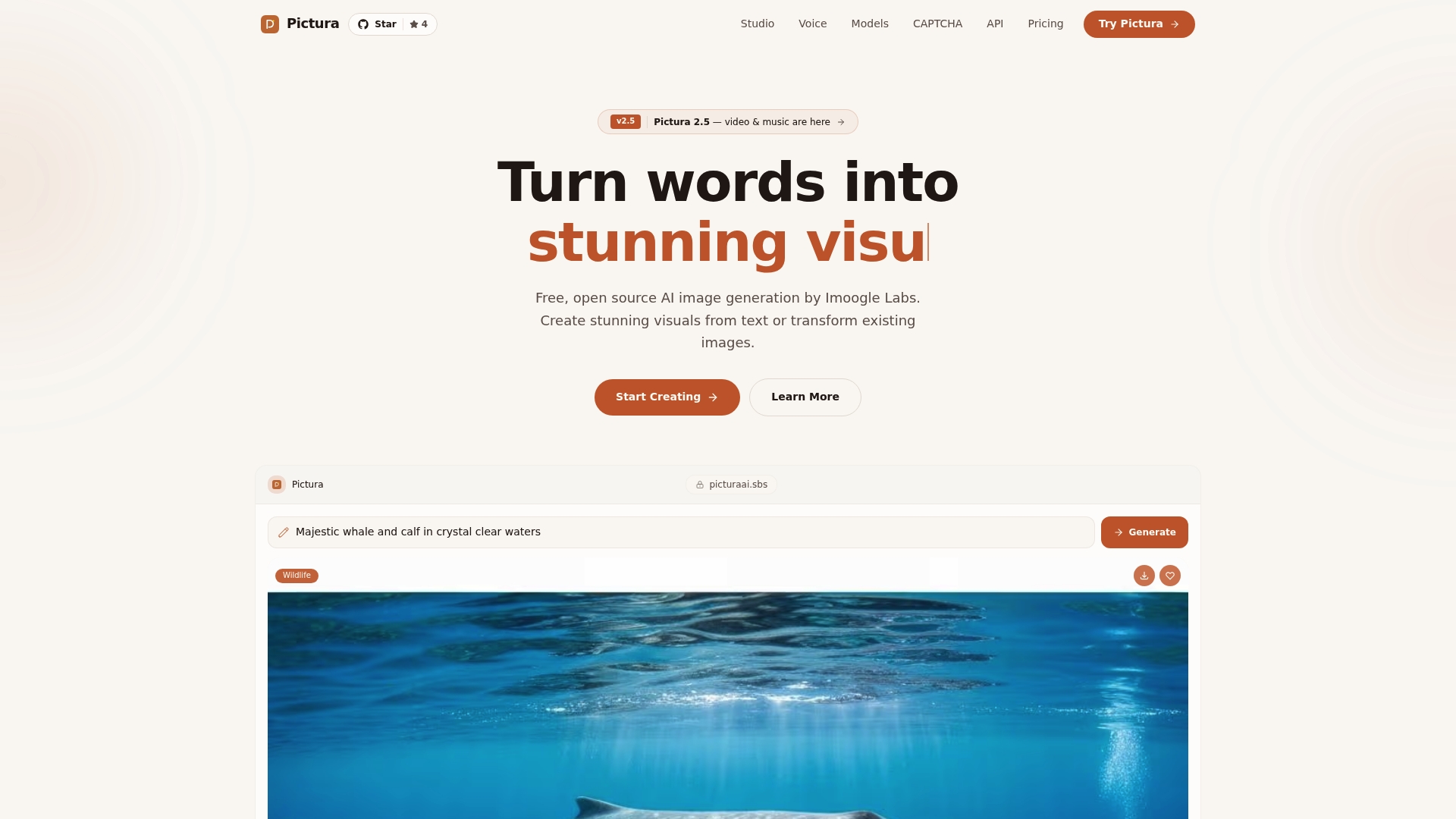
The built-in content moderation screens outputs at generation time, so your review queue stays manageable even when you're producing 20 variations at once. Style routing keeps visual outputs consistent with your brand guidelines across a full batch.
Start with one product line. Generate a seed ad, produce 10–20 hook variations, and push them through your existing approval and launch process. Try Picturaai's free beta and see how many test-ready creatives you can produce before your next campaign brief is due.
Sources
This article is general information, not a substitute for advice from a qualified lawyer. Consult a qualified legal professional about your own circumstances before acting on anything here.